
Discover the devices that support 4K IPTV and learn how to optimize your setup for an ultra-high-definition streaming experience.
Introduction
Streaming is revolutionizing how we enjoy entertainment, with 4K IPTV offering unparalleled quality and convenience. With ultra-HD visuals, a broad content library, and compatibility across devices, IPTV is becoming a top choice for viewers worldwide.
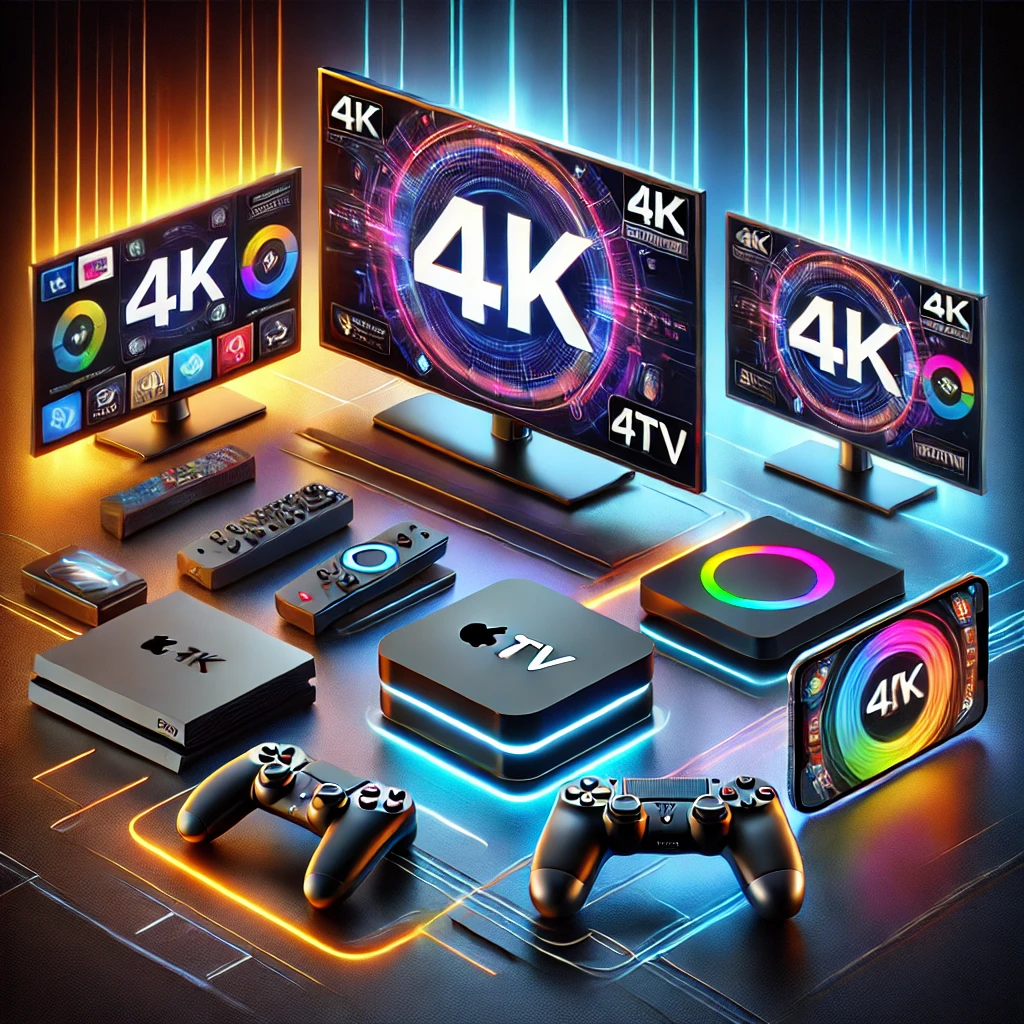
Choosing the right device is crucial to getting the most out of 4K IPTV. From smart TVs to portable gadgets, this guide provides an exhaustive look at devices supporting 4K IPTV. By the end of this article, you’ll be ready to upgrade your setup for the ultimate viewing experience.
What Is 4K IPTV?
4K IPTV delivers live TV channels, movies, and series over an internet connection in ultra-high-definition resolution. The term “4K” refers to its resolution of 3840 x 2160 pixels, which is four times sharper than standard HD.
Unlike traditional cable services, IPTV offers flexibility, letting you stream your favorite shows on-demand across multiple devices. However, to enjoy 4K streaming without hiccups, your devices must support UHD playback.
Why Device Compatibility Matters
A compatible device ensures smooth playback, vibrant visuals, and access to advanced IPTV features. Devices lacking adequate hardware or resolution support may result in buffering, lower picture quality, or poor performance. Investing in a 4K-compatible device is essential for maximizing your IPTV experience.
Smart TVs
Why Smart TVs Are Ideal for 4K IPTV
Smart TVs are a popular choice for IPTV users because of their large screens, built-in app support, and dedicated hardware optimized for UHD content.
Leading Smart TV Brands Supporting 4K IPTV
-
- Samsung Smart TVs
Samsung’s Tizen OS enables seamless integration with IPTV apps, delivering vivid picture quality with their QLED technology.
- Samsung Smart TVs
-
- LG Smart TVs
With their webOS platform, LG smart TVs support IPTV apps like Tivimate. LG’s OLED models provide excellent contrast for immersive viewing.
- LG Smart TVs
-
- Sony Smart TVs
Featuring Android TV or Google TV platforms, Sony offers wide app compatibility and superb motion handling for sports and action-packed content.
- Sony Smart TVs
-
- Vizio Smart TVs
Affordable yet feature-rich, Vizio TVs support major IPTV apps via their SmartCast system.
- Vizio Smart TVs
Streaming Media Players
What Are Streaming Media Players?
Streaming media players are compact devices that connect to your TV to enable 4K IPTV playback. They’re ideal for TVs without smart functionality or older models.
Top Streaming Media Players for 4K IPTV
-
- Amazon Fire Stick 4K
Known for its affordability and ease of use, the Fire Stick supports multiple IPTV apps and 4K HDR streaming.
- Amazon Fire Stick 4K
-
- Apple TV 4K
With Dolby Vision and HDR10 support, Apple TV 4K provides a premium experience for IPTV users.
- Apple TV 4K
-
- Roku Ultra
Roku’s user-friendly interface and 4K HDR streaming make it a favorite among cord-cutters.
- Roku Ultra
-
- NVIDIA Shield TV
This powerful streaming device delivers exceptional performance, supporting AI upscaling for non-4K content.
- NVIDIA Shield TV
Gaming Consoles
Gaming Consoles as IPTV Devices
Modern gaming consoles double as entertainment hubs, offering robust 4K IPTV support.
Best Consoles for IPTV
-
- Xbox Series X
Equipped with high-end GPUs, the Xbox Series X supports IPTV apps with lag-free UHD streaming.
- Xbox Series X
-
- PlayStation 5
The PS5 offers crisp visuals and smooth performance, perfect for IPTV users seeking high-quality streams.
- PlayStation 5
How to Use Consoles for 4K IPTV
-
- Download a compatible IPTV app (e.g., Kodi or Plex).
-
- Configure the app using your IPTV provider’s details.
-
- Enjoy streaming in stunning 4K.
PCs and Laptops
Versatility of PCs and Laptops for IPTV
Computers are excellent for IPTV due to their compatibility with various apps and their ability to support 4K streaming with the right hardware.
Hardware Requirements
-
- A 4K display or external monitor.
-
- Modern processors (Intel i5 or higher recommended).
-
- At least 8GB of RAM and a capable GPU.
Smartphones and Tablets
Streaming IPTV on Mobile Devices
Smartphones and tablets are the go-to options for those who prefer portable streaming.
Recommended Devices
-
- Apple Devices
iPhones and iPads support IPTV apps, offering Retina displays for crisp visuals.
- Apple Devices
-
- Android Devices
Flagship Android models like Samsung Galaxy and Google Pixel are great for 4K IPTV streaming.
- Android Devices
Tips for Optimizing Mobile IPTV Streaming
-
- Use devices with high-resolution displays.
-
- Stream over a strong Wi-Fi network to avoid data overages.
Other IPTV-Compatible Devices
1. Android TV Boxes
Devices like Mi Box S and MAG boxes are popular for their affordability and versatility.
2. Home Projectors
Modern 4K projectors transform your IPTV setup into a home theater experience.
3. VR Headsets
Innovative VR headsets now support IPTV apps, offering a completely immersive way to watch content.
Internet Requirements for 4K IPTV Devices
Bandwidth for 4K Streaming
A minimum of 25 Mbps is needed for seamless 4K IPTV. For multiple users, aim for 50 Mbps or more.
Data Consumption
Streaming in 4K can consume 7-10 GB per hour. An unlimited data plan is recommended for uninterrupted viewing.
Router Tips
Dual-band routers (2.4 GHz and 5 GHz) and Wi-Fi 6 models enhance network performance.
How to Select the Best Device for 4K IPTV
1. Screen Size and Quality
Devices with larger, high-resolution screens enhance your viewing experience.
2. Performance
Ensure the device has sufficient RAM and a capable processor to handle 4K content.
3. Compatibility
Opt for devices that support popular IPTV apps like VLC, Tivimate, and IPTV Smarters.
4. Budget
Consider a device that fits your budget without compromising essential features.
Troubleshooting Device Issues with 4K IPTV
1. Buffering Problems
-
- Cause: Slow internet speed.
-
- Solution: Upgrade your broadband or use a wired Ethernet connection.
2. App Crashes
-
- Cause: Incompatible software versions.
-
- Solution: Update or reinstall the app.
3. Poor Visuals
-
- Cause: Incorrect settings.
-
- Solution: Enable 4K playback in the device settings.
FAQs
Which smart TVs support 4K IPTV?
Samsung, LG, Sony, and Vizio are top choices for IPTV compatibility.
Can I use a regular TV for IPTV?
Yes, but you’ll need a streaming media player like Roku or Fire Stick for access.
What internet speed is ideal for 4K IPTV?
A minimum speed of 25 Mbps is recommended for smooth 4K streaming.
Do gaming consoles work with IPTV?
Yes, consoles like Xbox Series X and PlayStation 5 support IPTV apps for 4K playback.
How do I optimize my network for IPTV?
Use a dual-band router, position it centrally, and limit other bandwidth-heavy activities during streaming.
Who is the best IPTV provider ?
The best IPTV service provider is Haryiptv
Conclusion
Choosing the right device is the key to unlocking the full potential of 4K IPTV. Whether you prefer the all-in-one functionality of a smart TV, the versatility of a media player, or the portability of mobile devices, there’s a solution for everyone. With the right setup, you’ll enjoy a seamless, high-quality streaming experience that elevates your entertainment to the next level.